Documentation · Feature guide · Approvals and messaging
Approvals (voice and phone)
Irreversible work (delete, push, publish, deploy, security settings) never happens without your explicit approval. You approve by voice message, from the terminal or from your phone, and it is kept as a time-limited record.
Matches on other pages
Contents
What it does
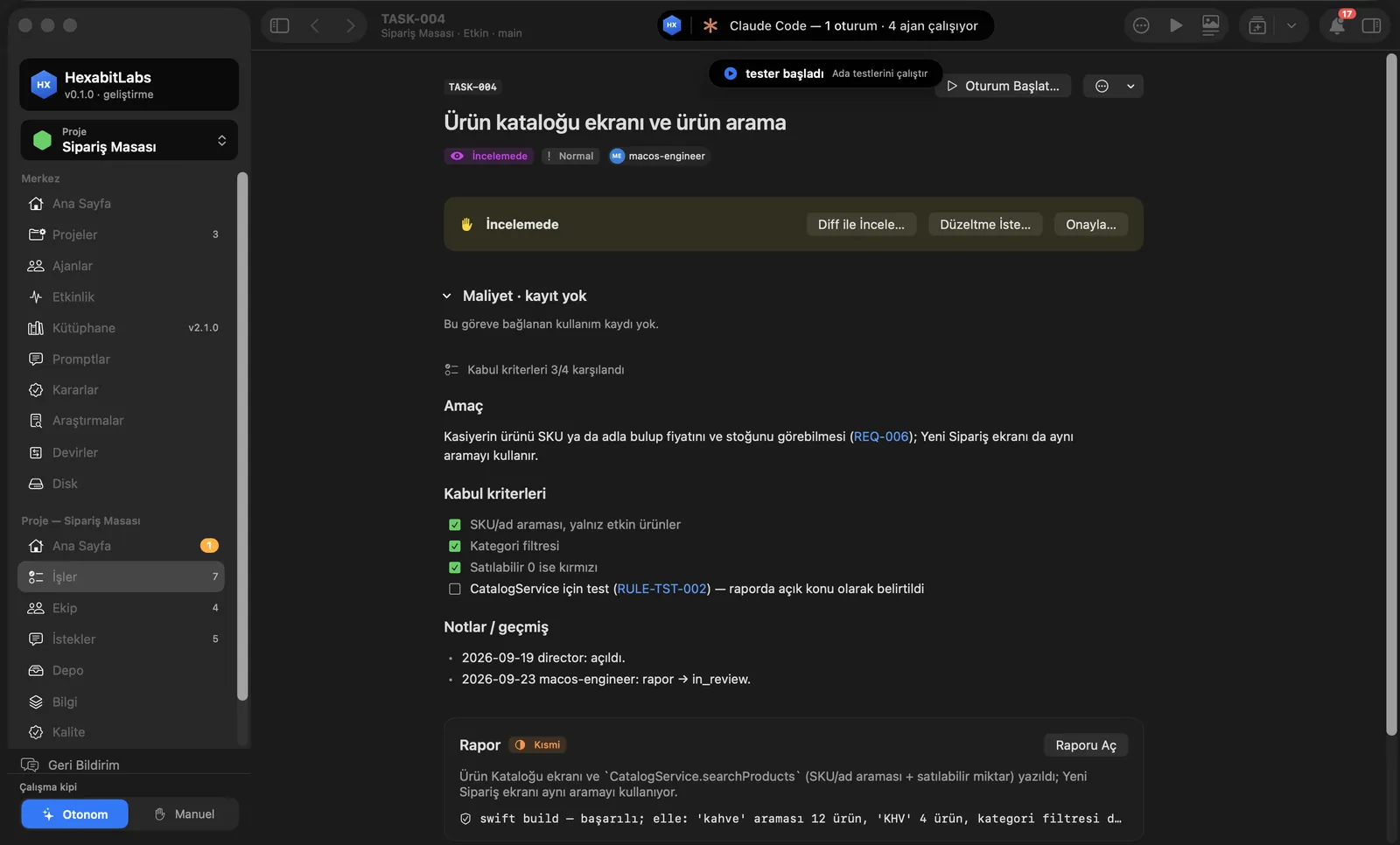
- When an agent reaches irreversible work it stops and asks; the task becomes Awaiting approval and shows up in the attention strip on Home.
- Voice approval: a voice message you send on Telegram is checked against your voice profile, the intent is read from the transcript and an approval record (APR-####) with scope (e.g. push), target and expiry is opened. A text message never opens an approval.
- Terminal approval: from your own terminal with
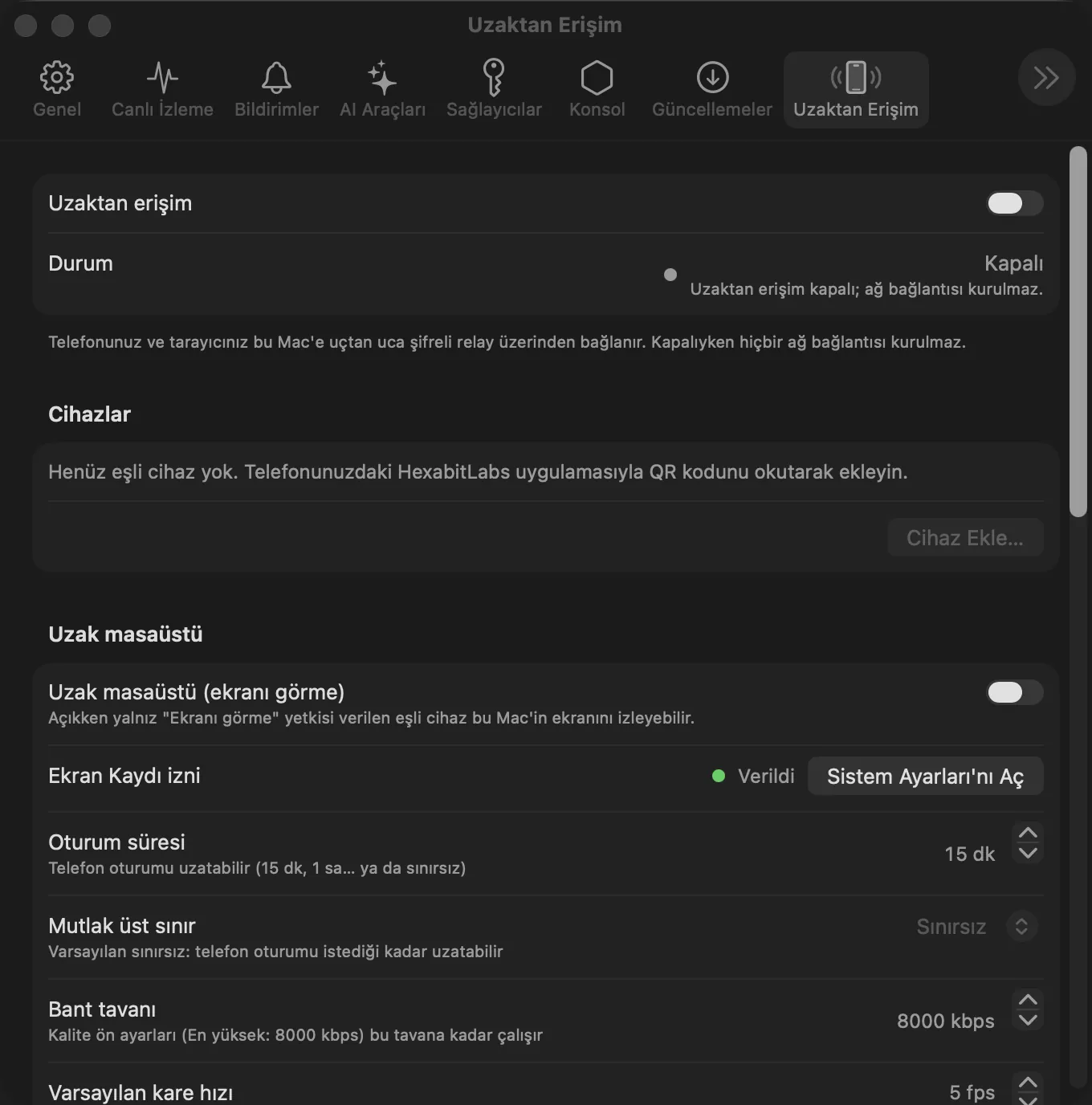
hx approve record … --terminal, confirmed on screen. - Phone approval: a biometric approval (Face ID / Touch ID) from a paired phone yields a single-use, short-lived signature; the Mac does not open a record without verifying it.
Step by step
- See the approval request in the attention strip or on Telegram; read what will be done.
- To approve, say the scope and the work clearly in a voice message (e.g. “I approve pushing the site branch”).
- Check the approval number and expiry (e.g. 30 min) in the reply.
- If you change your mind, revoke it with
hx approve revoke APR-####.
Related hx commands
# valid approval records and why others are invalid
hx approve list

# is there a valid approval for this scope
hx approve check push

# approve from your own terminal (TTY confirmation)
hx approve record --scope push --target "feat/*" --terminal

# revoke an approval
hx approve revoke APR-0042
Frequently asked questions
Can I approve with a text message on Telegram?
No. A text message cannot be tied to your identity, so it never opens an approval; use voice or the terminal.
How long is an approval valid?
By default 30 minutes with limited uses; scope and target are kept narrow.
Which work needs approval?
Delete, push/PR, publish, deploy, Keychain and security settings, and paid operations.
Need help?
If you did not find your answer here, write to us and we will reply.