Documentation · Feature guide · Method and efficiency
Lite profile
A light working profile for everyday research and small jobs: only security, git and approval gates remain; no task/report ceremony. The opening context shrinks and token use drops.
Matches on other pages
Contents
What it does
- Lite: a summary of security (no secrets written, project boundary), git (commit, push approval) and approval gates. Full: task, report, review and library rules.
- Automatic choice: the Daily area, research prompts and small (S) tasks run lite; medium/large work, library, hook and security work run full.
- The hook gate is active in both profiles; lite does not switch security checks off.
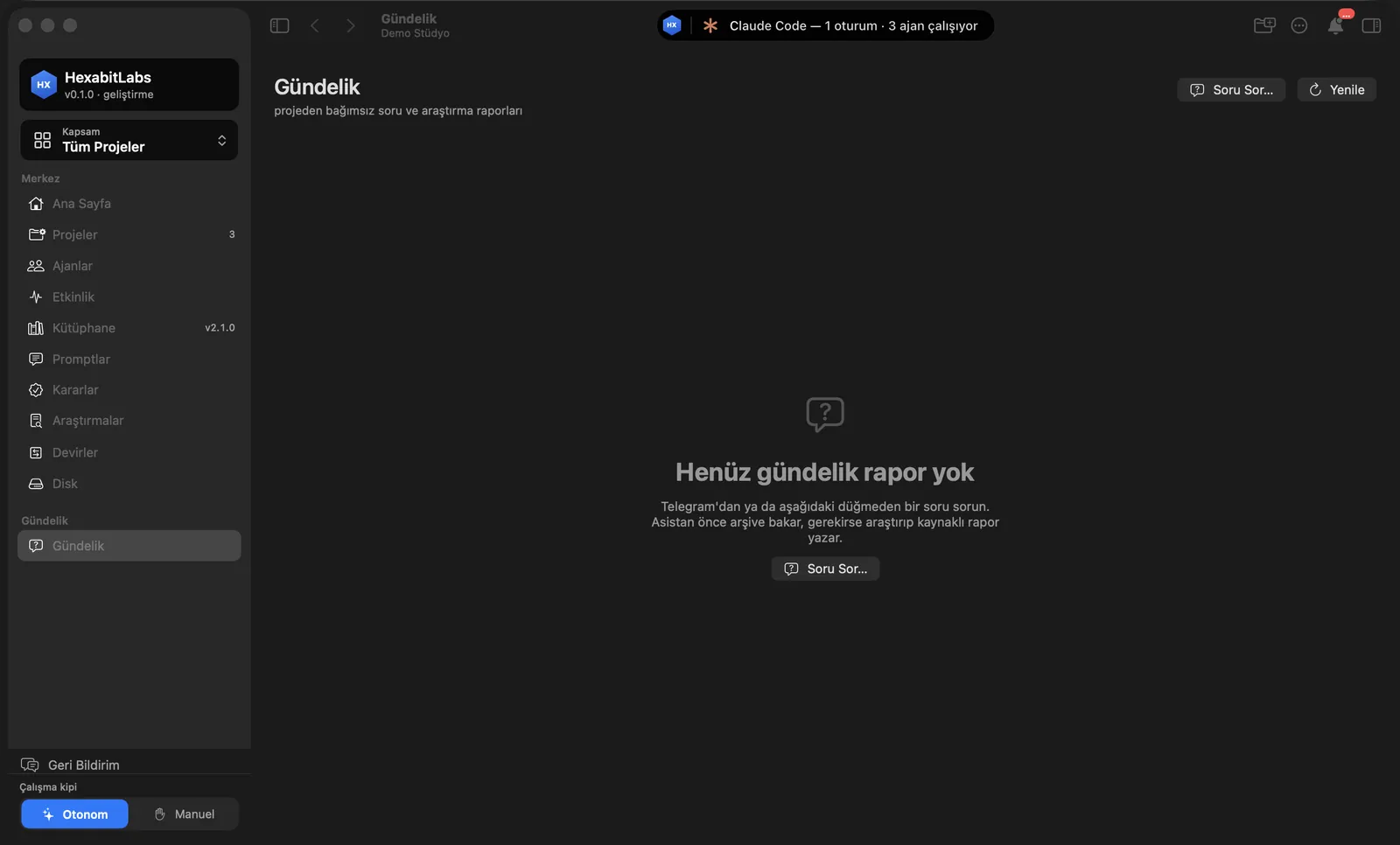
- The Daily area holds questions and research reports without a project id; the assistant answers from the archive first.
Step by step
- Open Daily in the sidebar and ask with Ask….
- See which profile a job would run with using
hx profile select. - Force it by hand if needed:
--profile liteor--profile full. - Apply it to a project with
hx sync --profile lite.
Related hx commands
# suggested profile for the job (writes nothing)
hx profile select --kind research --size S

# current profile
hx profile show

# applies the lite profile to the project
hx sync --profile lite

# search the daily archive
hx daily search "kanban filter"
Frequently asked questions
Is security relaxed in lite?
No. No secrets are written, and the project boundary and approval gates still apply.
How much does it save?
The target opening context is about a third of the full profile; measurements aim to keep cost for simple tasks close to a plain session.
What is “Token: Normal” in the status bar?
That is the token mode: how verbosely sessions work. The profile decides which rules are loaded.
Need help?
If you did not find your answer here, write to us and we will reply.